
Watch the full video above — or read the overview below.
D-Tools Cloud's end-to-end platform manages the entire project lifecycle, from sales and system design through purchasing, installation, and ongoing service. A recent product overview video walks through the full breadth of the platform's inventory capabilities — from tracking and stock alerts through receiving, project allocation, and warranty coverage.
Two Ways to Track Inventory
D-Tools Cloud supports both pooled and unit-based tracking, depending on what a business needs. Pooled tracking shows available and allocated quantities along with location, with every move logged in the activity log. Inventory Asset Management goes a step further, providing a dedicated record for every individual unit — its own location, serial number, MAC address, and complete lifecycle history — so teams can always answer the question of exactly which unit is where. For unit-tracked items, QR labels can be bulk printed and scanned to update location or project assignment on the fly.
Staying Ahead of Stock
Minimum quantity thresholds trigger notifications when stock runs low, and a purchase order can be created directly from that alert to reorder before a shortage becomes a problem.
Receiving and Checking In
Once inventory arrives, items are marked as received, with the check-in process shaped by tracking type. Unit-based tracking supports a bulk check-in, letting teams log serial numbers, IP addresses, and other details for multiple assets in a single action rather than one at a time.
Allocating Items to a Project
D-Tools Cloud offers two paths to assign inventory to a project. From a project's item status tab, selecting items and choosing "Manage Inventory Items" allows specific units to be assigned, ordered, and scheduled for installation directly — with order status updating automatically once items are received. Alternatively, from an individual unit's own record, selecting "Allocate to Project" surfaces every open project currently needing that item, letting a team assign it directly from the asset side rather than the project side.
Warranty Coverage, Built In
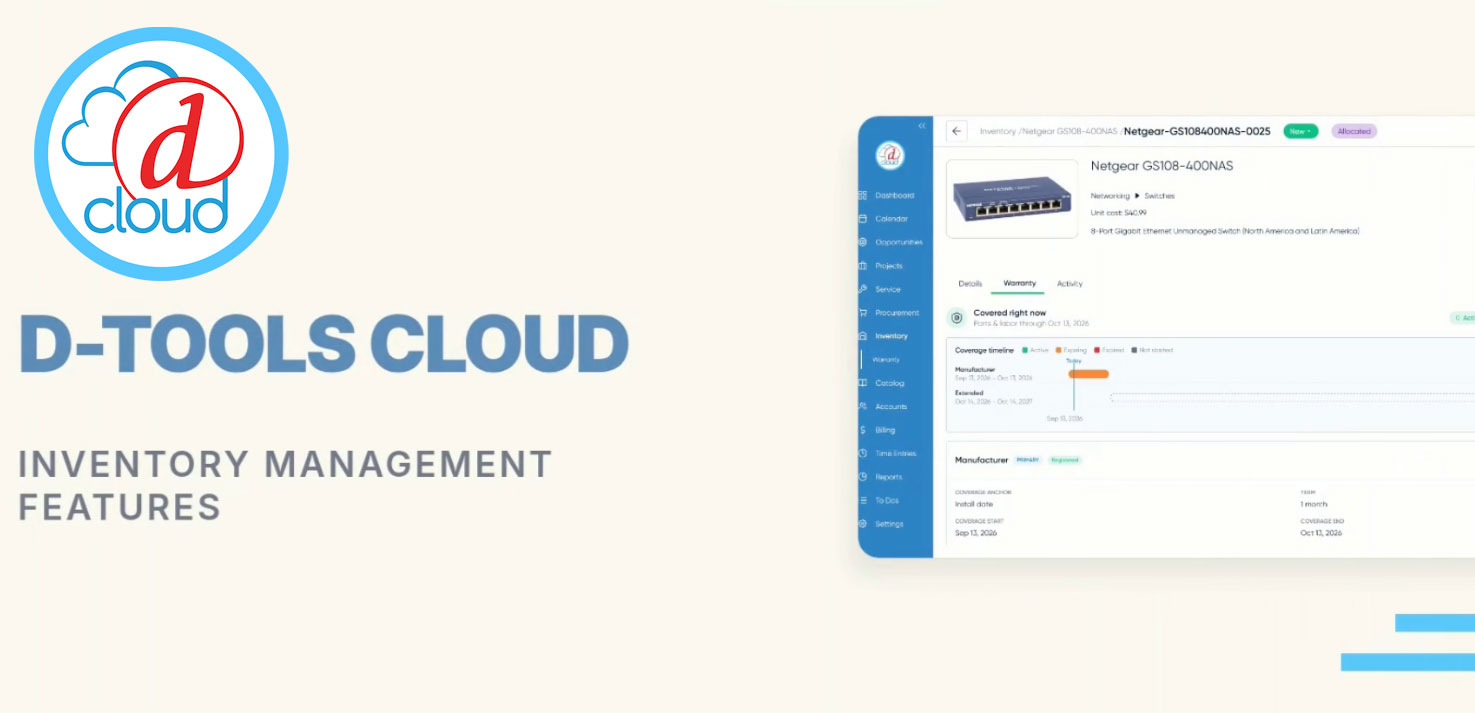
The video also covers D-Tools Cloud's newer warranty capabilities, now available on every serialized unit. Each asset includes a dedicated Warranty tab where coverage type, provider, anchor date, term, and supporting documentation can be recorded, with coverage displayed on a visual timeline for an immediate view of active periods.
Warranties can be stacked — for example, an extended warranty configured to begin automatically once a manufacturer's base coverage ends, eliminating gaps in protection — and applied in bulk across multiple units of the same product, with a preview step to confirm each unit's resolved end date before committing. Default warranty policies can also be set at the product subcategory level, applying automatically to new products while still allowing individual items to override that default without affecting previously recorded coverage.
A Warranty Coverage dashboard rounds out the toolset, giving visibility across every unit and project at once — surfacing what's covered, what's expiring, and what's approaching a registration deadline, with filtering by status, coverage type, and provider.
D-Tools Cloud adds new features every month, and integrators who haven't yet explored the platform's inventory tools can start a free 30-day trial to see these capabilities firsthand.
