
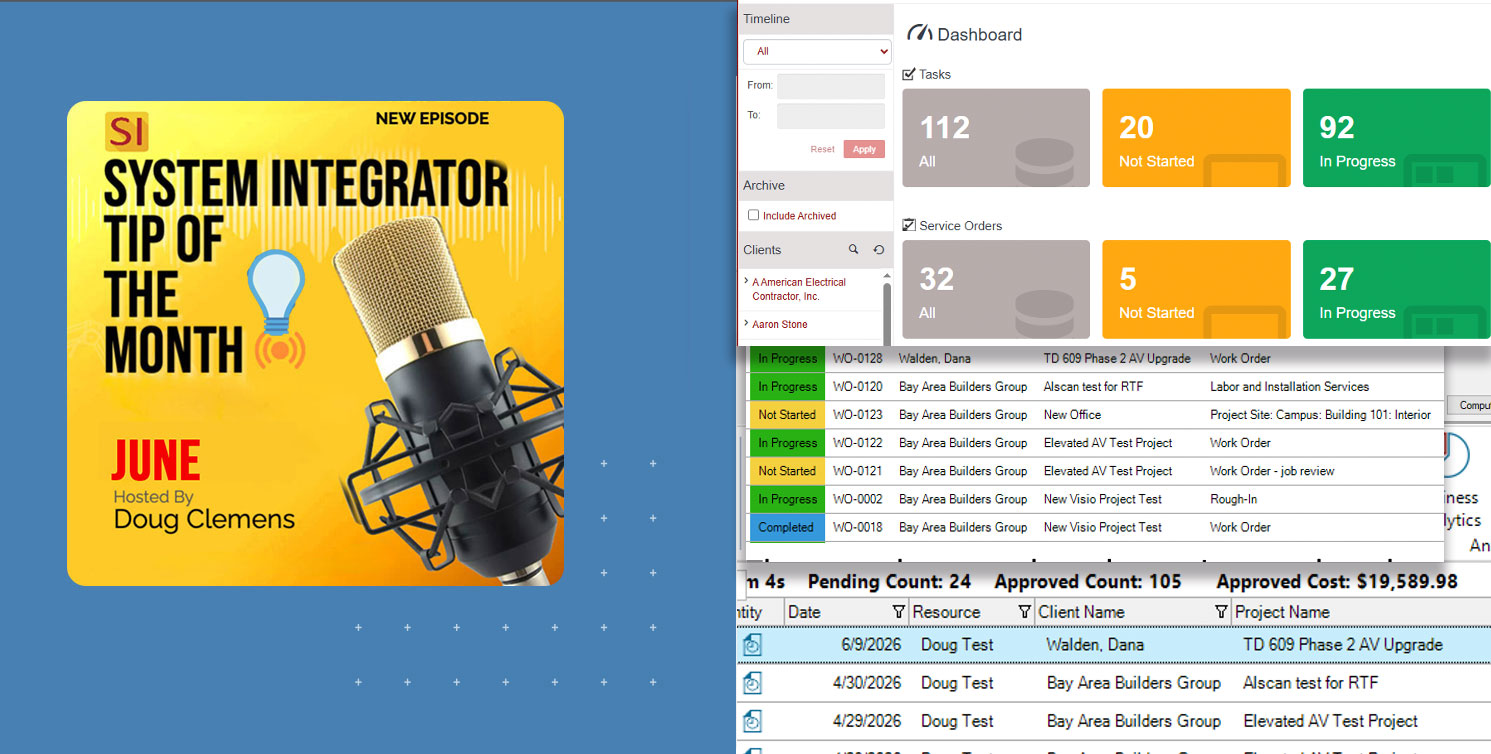
With the release of SI v24, D-Tools has delivered one of the most requested enhancements to its Mobile Install platform: a native app for both iOS and Android devices. The Mobile Install app brings the same familiar interface that browser-based users have relied on for years — now fully optimized for the device in your hand.
Where field users were once dependent on a web browser to access Mobile Install, SI users can now work directly from their iPhone or Android device — with the same interface they’ve known all along. It’s a long-awaited upgrade for veterans of the platform. And for those newer to Mobile Install, or those looking for a refresher on what it can do, read on.
For those of you who are ready to “get with the program” and upgrade your prior version of SI, please reach out to our Customer Success team. Moreover, for those of you who are still considering the acquisition of D-Tools SI software, please reach out to our Account Management team.
The MOBILE INSTALL platform
Since it was first launched back in 2015, the Mobile Install platform has been transforming field operations since 2015, giving technicians a structured, efficient way to capture data on the job. Teams that fully adopt it consistently see improvements in deployment workflow and a lot less lost to the paper shuffle.
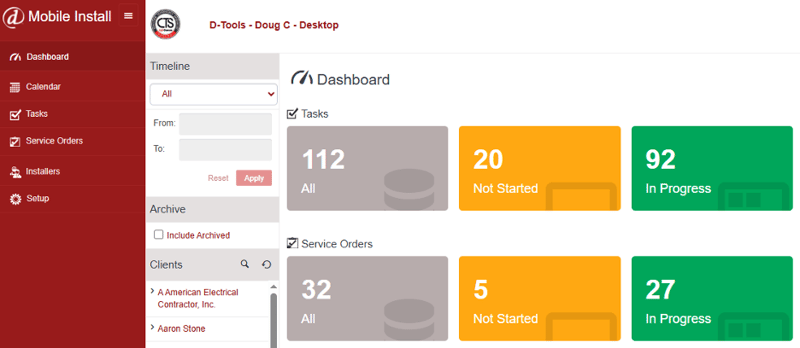
While the platform covers a lot of ground, let’s focus on a few of the features that make the biggest difference for most teams.
Tasks and Service Orders
Both SI Tasks and Service Orders can be dispatched from SI directly to the Mobile Install platform. . This is the basic utilization of values for field technicians’ access to their daily to-do list.
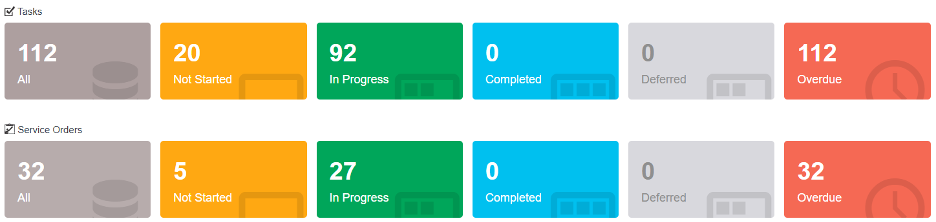
Tasks require an SI Project and are generally related directly to the deployment activity of a Project and its related “bill of materials”. 
They can also cover broader project work such as system design, procurement, and project management.
Service Orders require only a Client record in SI and include everything a service tech needs: client contact info, a description of the issue, the work to be performed, the site address, and a map link for directions.
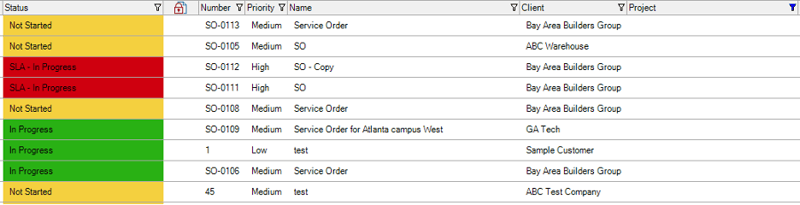 These are the very basics here, but certainly essential to the successful use of Mobile Install on either the new app or the prior web-app platform.
Time Sheets
Perhaps the most important and critical feature in Mobile Install is Time Sheets. 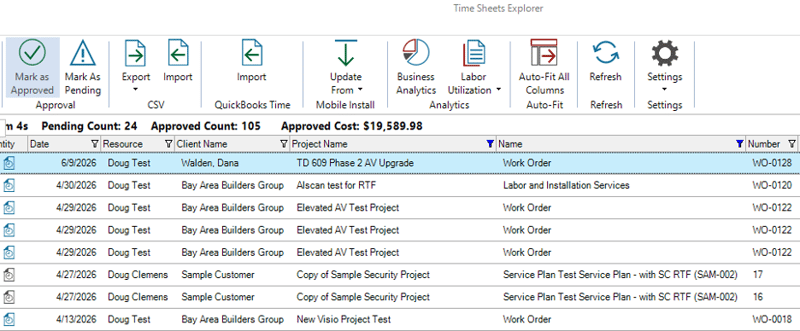
I used to tell the crews I managed: “there is nothing more important than your time.” With Mobile Install, whether on the app or the browser, there’s no excuse not to capture it.
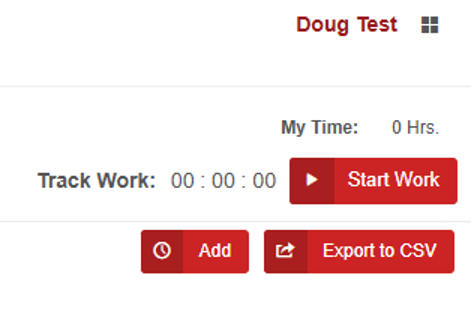
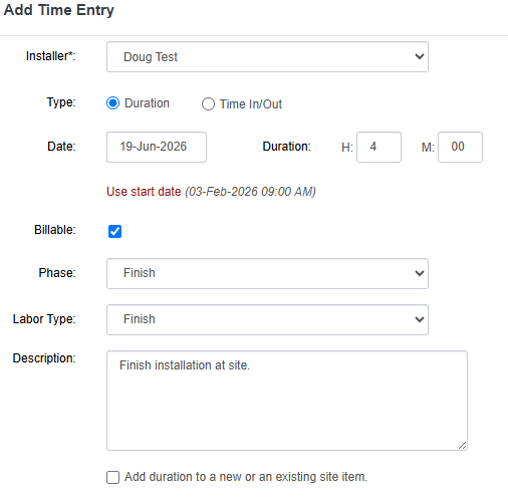
Using Time Sheets in Mobile Install is about as simple as it gets. Technicians can either tap “Track Time” to start a live timer or log their hours manually after the fact.
 From there, they add the relevant Phase, Labor Type, and a short description.
 That’s it. Review and approval of Time Sheet entries happens back in SI once the Task or Service Order is complete.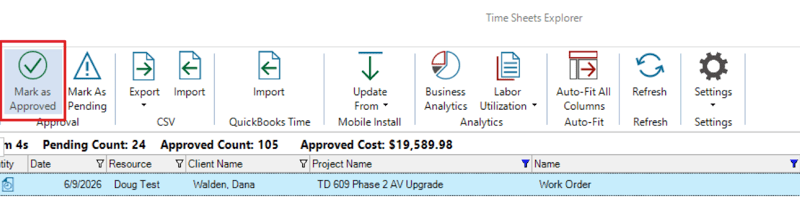
Time is money — and this feature makes sure none of it goes unaccounted for.
Site Data
Site data capture is one of those topics that always sparks a good conversation. Field techs are usually juggling a lot, but Mobile Install is designed for one-handed phone use — so when there’s a moment, logging what’s happening on site is quick and easy. 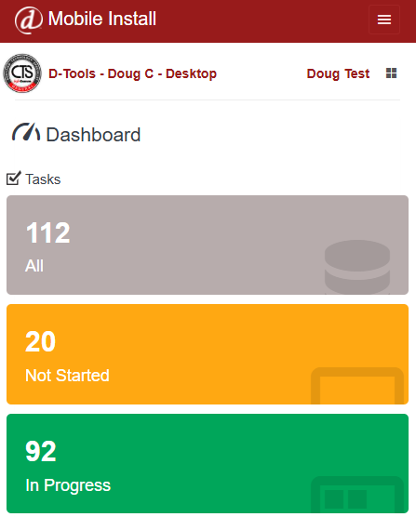
Most teams know they can add “site items” and “site notes” to Tasks and Service Orders — but I still run into teams that aren’t taking full advantage of “site images” in particular. It’s a missed opportunity.
This is perhaps one of the most convenient aspects of SI’s Mobile Install as “Site Images” offers users the ability to load pictures related to their work right in the Tasks or Service Orders themselves.
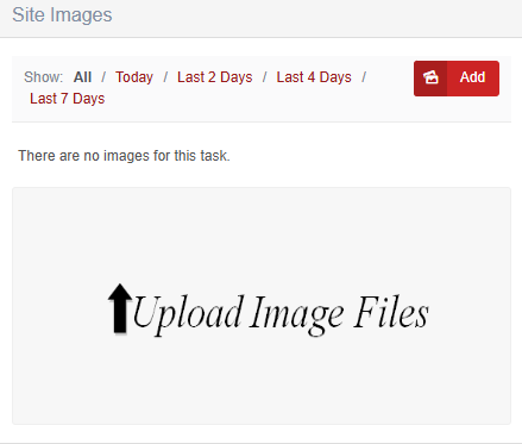 Just tap “Add,” select from your photo library, and you’re done. That’s it.
Of course, the overarching benefit here is that all images captured on the Mobile Install platform can be downloaded back over in SI or even easily added to the corresponding SI Project folder where appropriate.
A clean, simple workflow that keeps the whole team on the same page.
Mobile Install: “App” versus the browser version
For those of you who are content with the existing browser version of Mobile Install, then there’s no need to change anything. You will still enjoy all of the prior and existing functionality of Mobile Install as it is! This could also apply to users who primarily use Mobile Install on their laptops.
But for those who want a true native app experience, you can now find Mobile Install in the Apple Store™ and Google Play™ stores.
Once downloaded to your preferred device, here are some of the user enhancements you can experience:
#1 — A fully native app experience. No more tapping the browser’s back button. You stay in the app, with native gestures and noticeably improved speed.
#2 — Offline functionality. Your team can use Mobile Install even without a Wi-Fi or cellular connection. When they’re back online, everything syncs. This one alone has been a game-changer for teams working in basements, remote sites, or spotty coverage areas.
#3-Photo capture is now directly in the “app”! This then makes everyday addition of site images much more fluid as users can go right to their camera or picture file. And this leads me appropriately right into the next enhancement of…
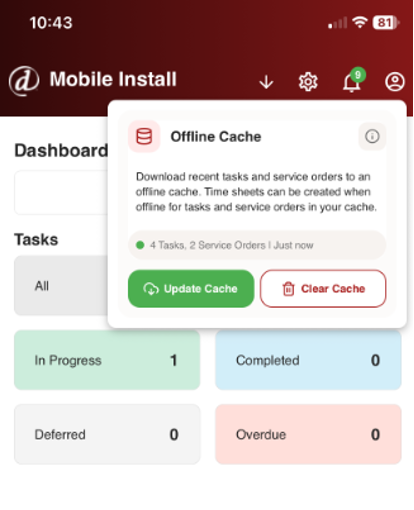 #4-Bar code scanning! Yes, you heard that right. Bar code scanning is now an option in SI’s Mobile Install app. Users can even scan “smart codes” for product data entry. Both of these options now make inclusion of serial numbers and MAC addresses incredibly practical for users of the platform.
There’s plenty more to explore in the app — but those are the highlights. For a deeper dive into Mobile Install and other v24 features, our Professional Services Group) team is ready to help. You can also review the v24 Release Notes for v24.
That’s a look at a few of the standout features in D-Tools SI v24 and the new Mobile Install app.
Looking Ahead: SI V24 and beyond
The last few years have brought meaningful updates to the System Integrator platform, and with each release, D-Tools has continued to build one of the most capable software solutions available to the systems integration industry.
What’s ahead reflects that same commitment — updates that address real-world challenges for system integrators. Stay tuned.
Ready to see more? Request a demo or connect with our PSG training and implementation team. SI is built to help your business run better — and we’re here to help you get the most out of it.
Check back for more on SI v24 and what’s coming next.
In closing…
Need hands-on help? Our Professional Services Group of SI and integration industry veterans is available here.
For more on SI v24, visit our website: D-Tools v24.
You can also find helpful videos on our YouTube channel and in our online support documentation.
For training, check out our upcoming Gold Support Webinars or enroll in SI training through our PSG team.
As always, we’re here to make sure you succeed with the platform. Check back for more on System Integrator software.