
Watch the full video above — or read the overview below.
D-Tools Cloud's end-to-end platform manages the entire project lifecycle, from sales and system design through purchasing, installation, and ongoing service. A recent product overview video walks through the sales side of that lifecycle — from catalog and pricing through quoting, proposals, and deal acceptance — showing how the pieces connect in a single, continuous workflow.
Catalog and Pricing
The catalog sits at the center of D-Tools Cloud, connecting supplier pricing, product data, and quoting in one place. Integrators can link directly with preferred suppliers under "Manage Pricing," selecting a supplier and entering account information that's sent for approval — once confirmed, that supplier's specific pricing tier is applied automatically.
Under My Products, teams can view supplier, unit cost, margin, and markup at a glance for every item in their catalog, then drill into individual products to add labor, manage related packages and alternates, or configure inputs and outputs. The catalog also holds everything else needed during quoting — subscriptions, packages, alternate sets, service contracts, and monitoring agreements — all of which can be set up in advance and simply selected when it's time to quote.
Opportunities and Quoting
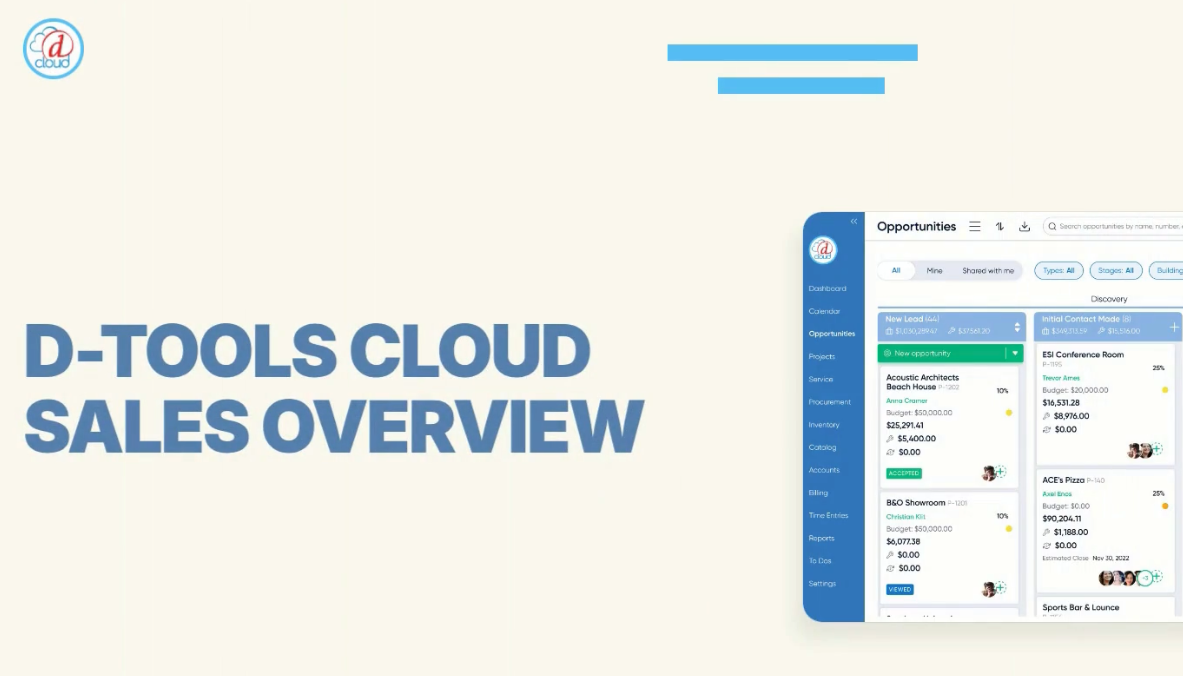
D-Tools Cloud tracks every quote as it moves through the sales process, from first contact to signed deal, in one place. Creating a new opportunity takes only client and project details, capturing key information up front and avoiding double data entry. That opportunity instantly drafts a quote, which can be built out immediately by adding locations, systems, and products.
Products can be pulled directly from an existing catalog or sourced from the D-Tools library — and anything added to a quote is automatically saved to the catalog for future use. Quotes can be structured by location, by system, or both, with every change updating a single, unified bill of materials.
Drawings
D-Tools Cloud includes drawing capabilities that reference the bill of materials directly, generating a starting point for system design based on the systems and locations selected in the quote. From there, integrators can refine the drawing further — grouping items by location, showing connections between components, and switching between drawing types, such as moving from a simple connection view to a schematic view showing actual connection points.
Service Plans
Service contracts and monitoring agreements can be added directly to a quote, helping integrators lock in recurring revenue alongside the initial sale. Existing service plans can be selected with an estimated start date, or new ones created on the fly from within the quote itself.
Scope of Work and Proposal Building
A scope of work can be written manually or generated automatically by D-Tools Cloud's AI, based on the contents of the quote and a selected tone — for example, "Client-Centric & Storytelling." The AI-generated scope remains fully editable afterward.
When it's time to build the client-facing proposal, integrators can choose between a quick quote for simpler, more streamlined jobs, or a Multimedia proposal for a fully interactive presentation — including photos, video, and 360-degree walkthroughs through an integration with Modus. Proposal sections can be added, edited, or removed freely, and drawings created earlier in the process can be included as a visual reference for the client.
Presenting, Accepting, and Converting the Deal
Once finalized, a proposal can be sent directly to the client or walked through live in presentation mode, which hides all editing controls so clients can review project scope and pricing without seeing internal costs. Clients can opt into any included service plan, choosing their own billing frequency and term length, then formally accept the proposal after reviewing terms and conditions — entering their name, email, and signature directly.
Acceptance can be paired with an immediate deposit collection through D-Tools Payments, D-Tools Cloud's embedded payment solution, streamlining the handoff for both integrator and client. From the Opportunities page, an accepted deal can then be moved into the Signed Contract stage and converted directly into a project for ongoing management inside D-Tools Cloud.
D-Tools Cloud adds new features every month, and integrators who haven't yet explored the platform can start a free 30-day trial to see these sales capabilities firsthand.
