

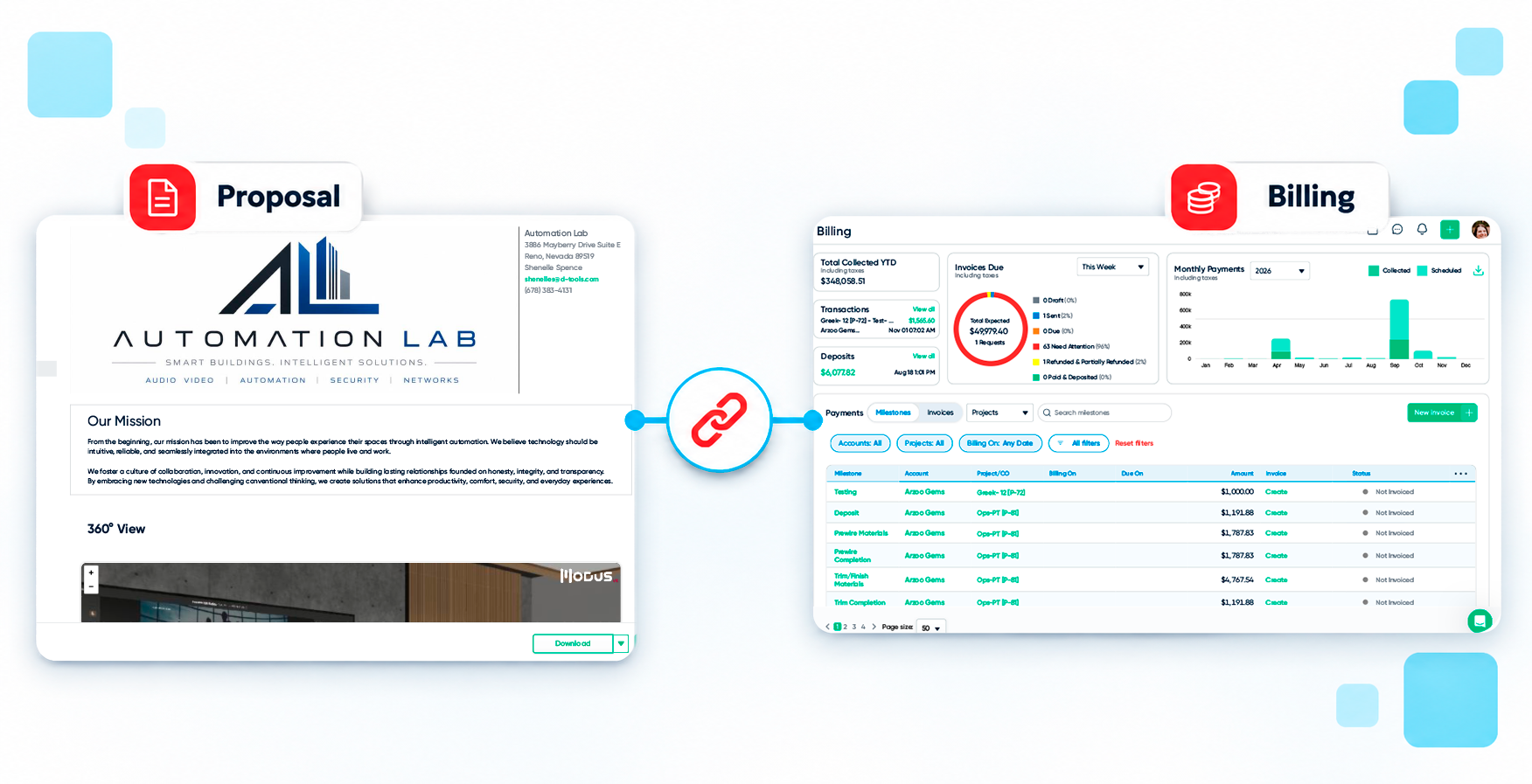
AV proposal data falls out of sync with accounting when the proposal, the invoice and the ledger are edited in separate places. Each manual handoff between them is a chance for a mismatch. Scope changes, partial deliveries and large deposits widen the gap, because the proposal describes the plan while accounting records what happened.
Four causes show up most often:
• Scope changes after signing — A payment schedule set up on the first day of a project stops matching the contract after several change orders, so someone recalculates by hand.
• Partial delivery — Equipment arrives in waves, and an invoice built from the original quote bills the customer for items that have not even shipped to the integrator.
• Deposits recorded as income — In many systems, cash collected before the work is done is booked as income the day it arrives, which can put it in the wrong month.
• Retyping between systems — Invoice numbers and project names entered twice can often mismatch.
How Do Connected AV Proposals Reduce Rework Across Commercial AV Projects?
Connected AV proposals reduce rework because the quote, the bill of materials, the invoice and the accounting entry share one project record. When scope changes, the downstream documents follow, so project managers stop rebuilding invoices and bookkeepers stop chasing mismatches.
D-Tools Cloud works that way, specifically:
The billing follows the job — Itemized invoicing bills specific equipment, labor and adjustments, including partial quantities and partial hours, from the payment page, Item Status or the Bill of Materials. Every item shows what has been billed and what is left.
Payment schedules follow the scope — Milestones set as percentages of products, labor, phases, systems or locations recalculate when the quote changes. Because you build proposals from real product data in the Product Library (2M+ manufacturer-sourced items), the numbers feeding each invoice start from accurate pricing.
The books match without retyping — When an invoice syncs to QuickBooks Online, the memo on statement fills in with the D-Tools invoice number, project and invoice type. Split lines are labeled Taxable or Non-taxable. You can also filter projects, invoices, purchase orders, billing and change orders by whether they are mapped to QuickBooks Online or Xero, so nothing sits unsynced without anyone noticing.
How Do AV Proposals Affect Project Profitability?
AV proposals affect profitability through what happens after the signature. Unbilled change orders, invoices that lag delivery and deposits counted as income too early all hide margin until month-end. When billing follows delivery and the ledger matches the project, owners see where cash and margin stand while the job is still open.
D-Tools Cloud breaks out actual, budget and variance for total cost, product cost, labor cost and labor hours on every project. Deposit defaults can be set on quotes, so nobody forgets a deposit or collects one by accident. Accelerated ACH through D-Tools Payments funds in one business day instead of four, which shortens the wait between finished work and cash in hand.
How and when to recognize revenue is a decision for your accountant. Look for a platform that lets you follow their approach without a side spreadsheet.
5 Things to Check Before You Buy Software
Use these questions when you evaluate how any platform connects proposals to accounting:
1. Does one project record drive the quote, the invoice and the payment?
2. Can you bill partial deliveries and partial hours?
3. Do payment milestones recalculate when scope changes?
4. Does the sync label invoices so your accountant can match them to the project?
5. Can you see exactly what has not synced?
You do not need to replace QuickBooks or Xero to get this. The goal is less manual work between the project and the system your accountant already trusts.
Try D-Tools Cloud free with a 30-day trial and build a proposal and a change order in your own account. Then sync an invoice to QuickBooks Online or Xero and check the match yourself.
This article is general information and is not accounting, tax or legal advice. Consult your accountant about the right practices for your business.
