
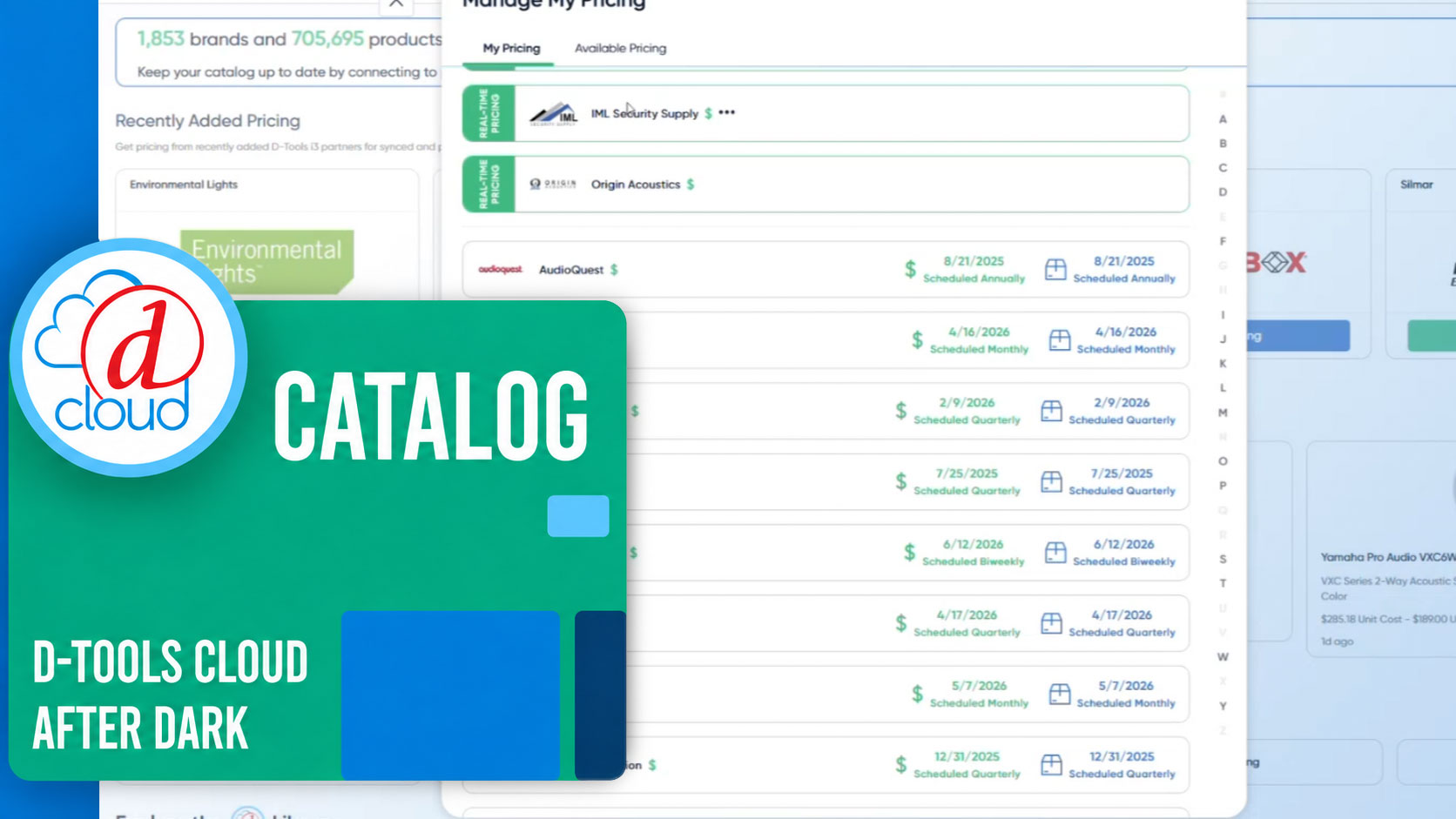
Watch the full session above — or read the recap below.
In a recent D-Tools Cloud After Dark session, Customer Success Manager Mitch Scott walked integrators through five tools inside D-Tools Cloud's catalog settings designed to keep pricing accurate and quotes consistent — without requiring manual edits to every individual product. The session covered brand price rules, default suppliers, MSRP sync, supplier cost updating, and category rules, framed around four real-world scenarios where each tool earns its keep.
"Each one works in a similar fashion," Scott explained, "where we can set it once and apply it across our whole catalog — a brand or a category at a time — instead of having to touch every individual product by hand."
Setting the Foundation: Library, My Products, and Inventory
Before covering the tools themselves, Scott laid out three foundational concepts. The D-Tools library functions as the master catalog — hundreds of thousands of products across every integrated manufacturer and brand, maintained by D-Tools. My Products is a company's own working catalog, built from library items, custom items, or a mix of both, and is where cost, pricing, suppliers, and customizations live. Inventory is a separate tracking layer for physical units already bought or sold. All five tools discussed in the session act on the My Products layer specifically.
The Five Tools
-
Brand price rules set cost and price as a percentage of MSRP once per brand, so every product under that brand prices itself automatically going forward.
-
Default suppliers assign a purchasing source at the brand level, ensuring pricing updates and purchase orders are tied to the correct supplier without manual assignment on every item.
-
MSRP sync resets MSRP values for products, by brand or globally, back to D-Tools library values.
-
Supplier cost updating refreshes listed costs on demand, with the option to update only supplier-set items or push updates across all products from a given supplier — including previously customized ones.
-
Category rules define an item's accessory and labor relationships at the category or subcategory level, so they auto-attach whenever a matching product is added to a quote.
"The first four tools are all about pricing and supply staying accurate, catalog-wide," Scott said. "Category rules are a bit different, although related — it's about quote consistency and completeness."
Four Scenarios, Demonstrated Live
The session's live demonstration walked through four situations integrators commonly encounter.
When a supplier is acquired. Using the real-world example of Audio Control's acquisition by AV Pro Edge, Scott showed how a disappearing default supplier breaks automatic pricing — even though the underlying products remain active. The fix involves reconnecting to the new supplier under Catalog → Manage Pricing, then updating the brand's default supplier setting so pricing and purchase orders route correctly. Applying that update "to all items" extends the fix across every existing product under that brand, rather than only new items going forward. Reviewing brand price rules at the same time — and applying updates in bulk — ensures sell pricing stays accurate alongside cost data.
When a new supplier comes online. D-Tools Cloud treats manually set prices as protected "user-set values" that won't be silently overwritten just because a new supplier relationship becomes available. "That's a deliberate safeguard so that some live sync doesn't quietly disrupt pricing that you've already set on purpose," Scott said. Once connected to a new supplier, an "update product costs" option allows a team to choose whether to sync only supplier-set items or extend the update to override previously customized values as well.
When manual pricing drift accumulates. Over time, hand-edited costs and prices across a team can erode confidence in catalog accuracy. User permissions can restrict who is able to edit pricing in the first place, and the MSRP sync tool offers a way to reset an entire brand's MSRP data back to manufacturer-supplied values in bulk, rather than auditing products one by one.
When quote consistency needs standardizing. Category rules solve a different kind of problem — the TV added to a quote without a wall mount, or installation labor that varies by whichever team member built the quote. Configured at the category or subcategory level, accessories can be set as required, recommended, or optional, and labor estimates can be predefined so they appear automatically whenever a matching product is added to a quote.
"The payoff," Scott said, "is that every quote, no matter who builds it, comes out with the same mounts, the same cables, the same labor assumptions."
The Common Thread
Across all four scenarios, the same underlying pattern applies: set a rule once at the brand or category level, let it cascade automatically, and override manually only where reality genuinely differs on a case-by-case basis.
"This isn't just a recovery tool," Scott noted. "It's about setting those rules and settings at the top level and letting it cascade throughout your platform naturally, without you having to touch every product by hand."
All five tools discussed are available now inside D-Tools Cloud's catalog settings. Integrators looking to reduce manual pricing upkeep or standardize quote accuracy across their team can find these tools under Settings → Catalog, or reach out to your account manager with questions.
